The side character returns
You introduced them months ago. Now they matter. DraftAtlas helps you find where they first appeared, who knows them, what they touched, and which threads now depend on them.
Local-first creative intelligence for serious projects
One compass. Seven creative paths.
DraftAtlas connects the manuscript, approved project knowledge, evidence, decisions, and creative systems behind your work across seven medium-aware paths, locally and under your control.
Local-first by design. No required account. No manuscript upload unless you explicitly choose a cloud AI provider.
Why it exists
DraftAtlas is not competing with the blank page. It is competing with scattered notes, half-remembered decisions, disconnected folders, and the quiet fear that an important thread has slipped out of sight. It gives the world behind the manuscript a structure the author can trust.
The writer's burden
A simple document can hold text. A serious creative project needs memory: who knows what, where something first appeared, why a symbol matters, and what still needs to be resolved.
You introduced them months ago. Now they matter. DraftAtlas helps you find where they first appeared, who knows them, what they touched, and which threads now depend on them.
A cup, a key, a family recipe, a symbol, a line of dialogue. DraftAtlas keeps the object, meaning, scene history, and backlinks together instead of leaving them scattered across notes.
Characters travel, ages shift, revelations happen too early, and chapters move. DraftAtlas gives continuity a place to surface before readers notice the crack.
Serious projects stop being a stack of documents. They become connected creative systems. DraftAtlas is built for the relationships between the materials, not just the files themselves.
One connected author workflow
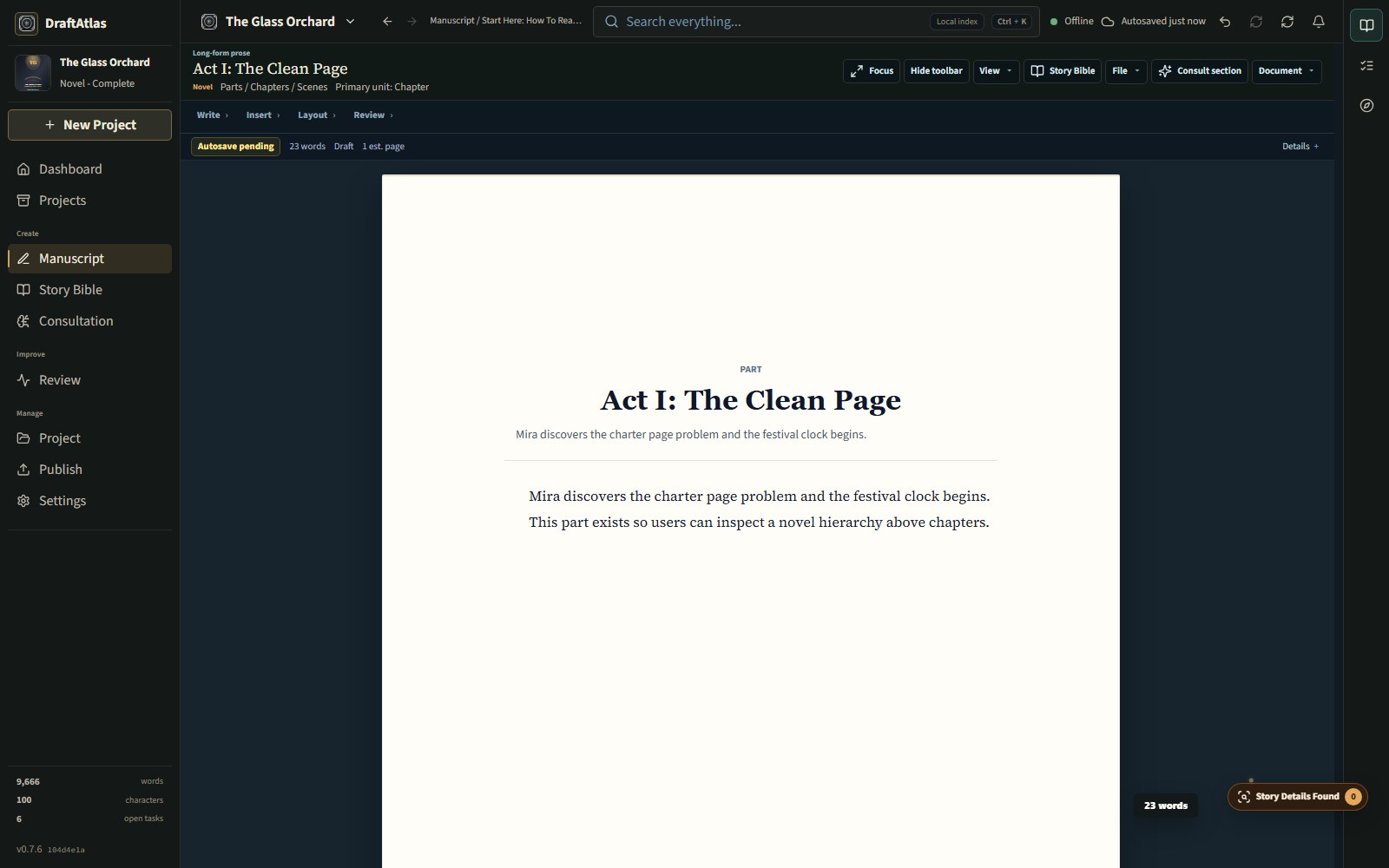
The manuscript remains the work. DraftAtlas observes it, stages possible discoveries, and waits for the author to decide what becomes project knowledge.
Draft and revise without turning prose into a database form.
Inspect evidence, confidence, conflicts, and possible canon changes.
Accepted details create traceable Project Bible facts, references, and backlinks.
Ask grounded questions without allowing AI to silently define the work.
Medium-aware memory
A picture book remembers page turns and recurring images. A cookbook remembers recipes, testing, family history, and production notes. A lore bible remembers worlds, factions, artifacts, and history. DraftAtlas changes the map to fit the work instead of forcing every creator into the same outline.
DraftAtlas adapts its Project Bible to the work: a Story Bible for narrative projects, a Recipe Bible for cookbooks, a Series Bible for comics, and a Lore Bible for worldbuilding and RPG projects.
One product, three connected journeys
Every image below is a working view from DraftAtlas 0.7.12. The three primary routes show how the systems reinforce one another; the supporting views remain available for a closer look without asking every feature to compete for attention.
The manuscript remains the work
Draft on a professional page, then decide what the project should remember. Planning and discovery stay close without turning writing into data entry.
Explore Write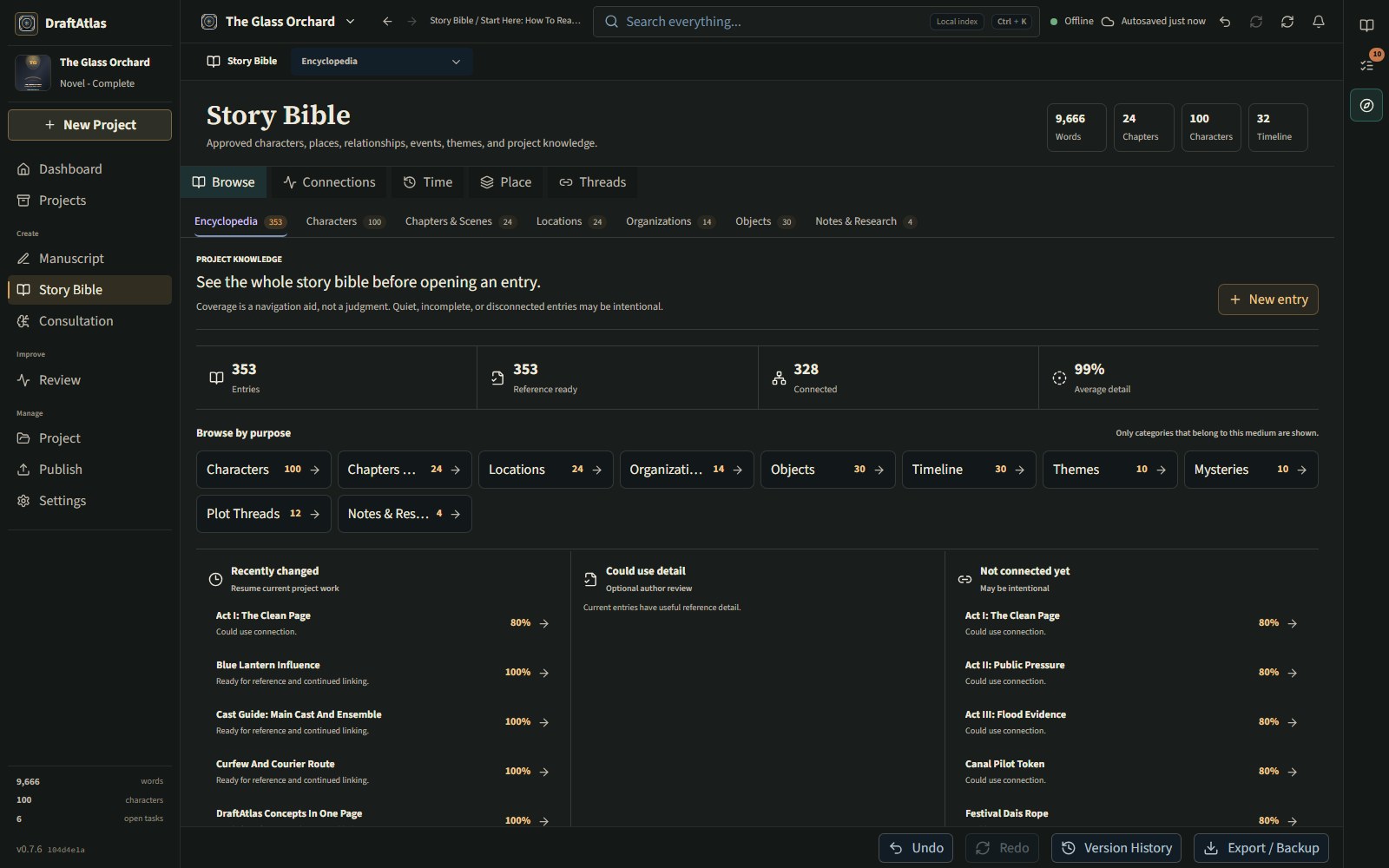
See the whole project, not isolated notes
Trace canon, relationships, places, editorial findings, and project-grounded consultation back to their evidence in the work.
Explore Understand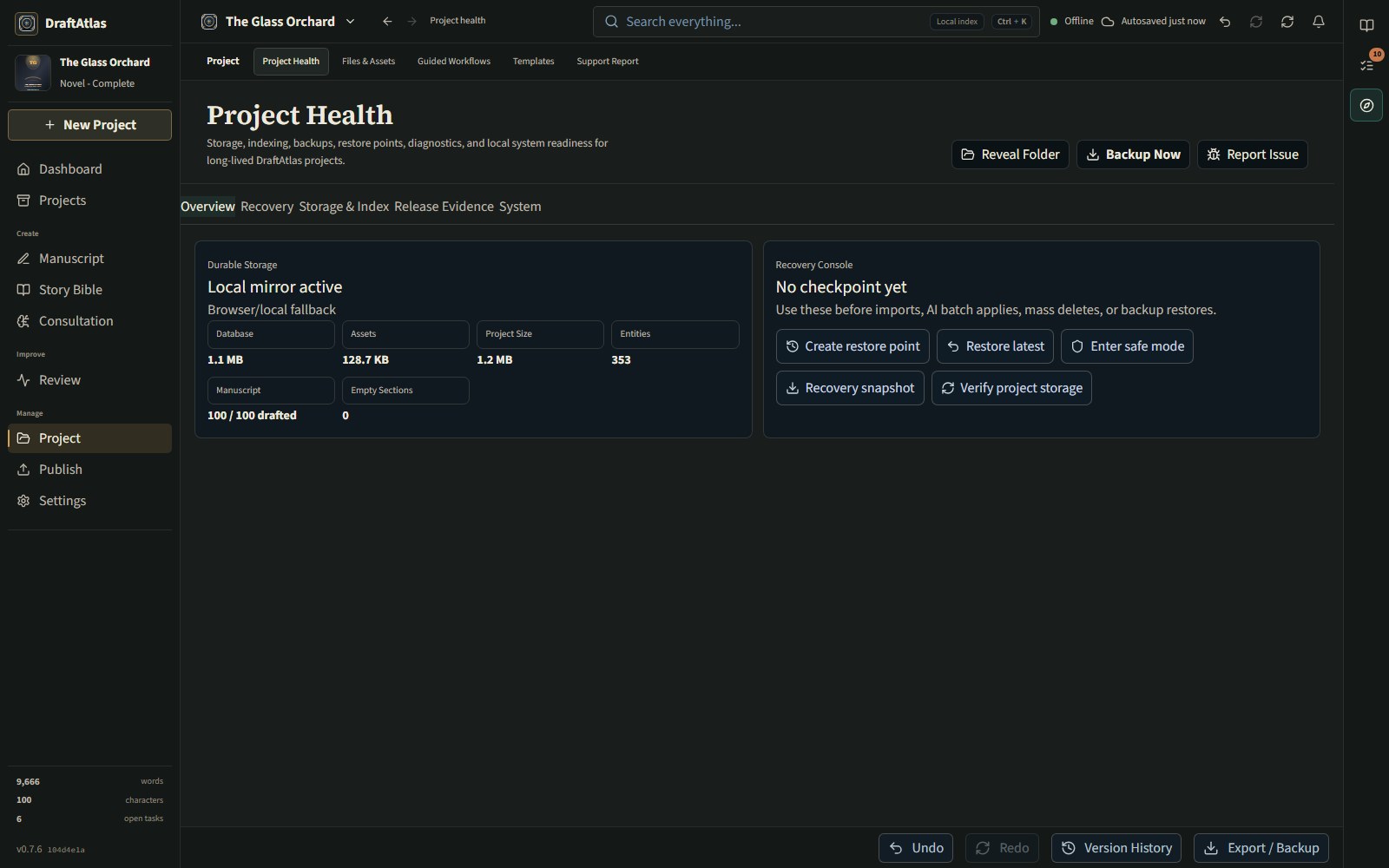
Creative work should never feel disposable
Keep the project recoverable, inspectable, and ready to leave the app in professional formats without surrendering ownership of the source.
Explore Protect & PublishAuthor ownership
The project belongs to the person making it. DraftAtlas is built around local project folders, backups, redacted diagnostics, and user-controlled exports. Cloud services are optional. AI is optional. Privacy is the default, not a premium feature.
Private beta
DraftAtlas is preparing for controlled Windows testing focused on trust: data safety, backup and restore, first-run clarity, export honesty, local AI behavior, and real creative workflows from writers who will actually use it.
Version 0.7.12 connects the Living Manuscript, Story Details, Project Bible, Consultation, Editorial Intelligence, visual evidence, recovery, and publishing handoff. The current focus remains proof: recovery drills, export QA, long-session performance, and feedback from real creative work.
Request AccessSupport and feedback
DraftAtlas feedback is structured around categories, severity, reproduction steps, diagnostics, and privacy preview. Support bundles are redacted by default so testers can report problems without accidentally sharing manuscript text, notes, prompts, images, or private project names.
For beta interest, issue reports, or questions, email support@draftatlas.app.
Manuscript content is not required to ask for help.